
Cash purchase
Request the itemized cash price and verify payment instructions with an established seller contact. Review the VIN and total on your buyer’s order.
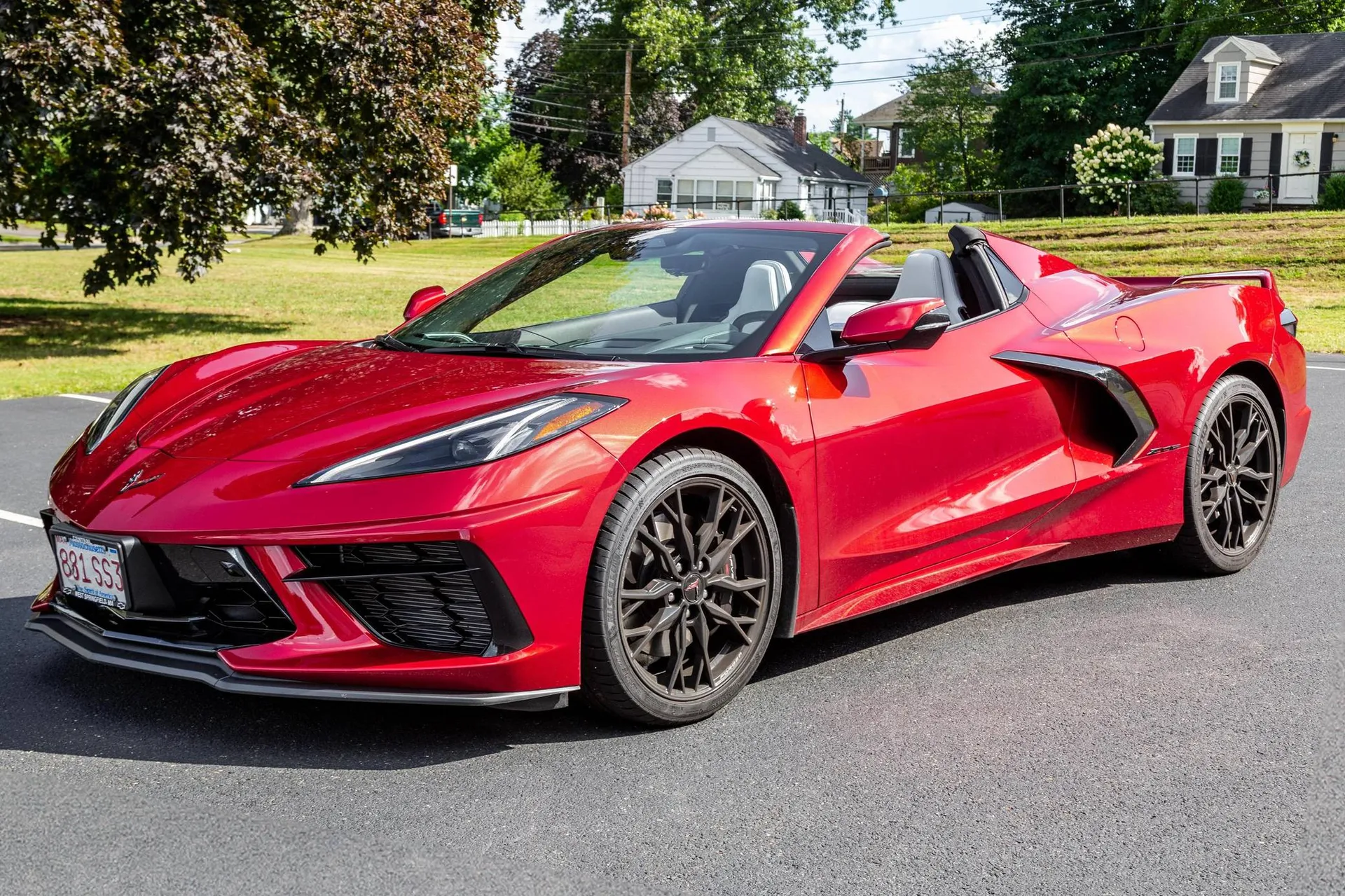
Buy your auction vehicle online, review the paperwork and arrange delivery to your driveway.
Explore inventoryDay 0
Days 0–1
Days 1–4
Days 4–13
Around day 14
An example two-week schedule. Funding, paperwork and carrier availability determine your actual dates.
Compare photos and request the vehicle file.
Confirm availability and reservation terms.
Review the buyer’s order and arrange funding.
Coordinate release and track the carrier window.
Inspect the vehicle and sign for delivery.
Request the itemized cash price and verify payment instructions with an established seller contact. Review the VIN and total on your buyer’s order.
Compare dealer-arranged financing with your bank or credit union. Review the rate, fees, payment schedule and total amount payable before signing.
Have a current government-issued photo ID ready for the secure signing process.
Ask which insurance documents are needed for your vehicle and handoff.
A lender or registration office may request a document with your current address.
If you finance, your lender will explain which income documents it needs.
Share your ZIP code, access restrictions and preferred handoff location. Confirm the transport quote and delivery window with the seller before you sign.
At arrival, compare the VIN and visible condition with your records and note discrepancies on the carrier’s receipt.
Request a shipping quoteAuction-sourced pricing can be up to 35% below comparable retail. Compare the same model, mileage, equipment, title and condition, including fees and transport.
Dealers clear vehicles that have occupied their floor space while new inventory arrives.
Fleet operators replace groups of vehicles as contracts or service cycles end.
Lenders can release recovered vehicles for sale. Request the title and history for the individual unit.
The arrival of a new model year creates buying opportunities in the outgoing inventory.
Businesses may sell vehicles as part of a closure or a change in operations.
Browse, request records and coordinate your purchase from home.
Return to the same vehicle when you compare photos, prices and paperwork.
Compare a cash purchase with dealer-arranged financing or a loan from your own lender.
Get a U.S. transport quote for your ZIP code before committing to the purchase.
Yes. Start with the inquiry on the vehicle page. The seller can walk you through the documents, payment and transport for that stock number.
Ask the seller to confirm current availability and reservation status before sending a deposit.
Review the reservation agreement for the specific vehicle. Ask for the refund terms and reservation period in writing.
Yes. Ask the seller for a buyer’s order and share the vehicle details with your lender so it can confirm eligibility.
Nationwide U.S. shipping is available. The route, carrier, vehicle condition and delivery location determine the quote and timing.
Compare the VIN, odometer and visible condition with your records. Note discrepancies on the carrier’s paperwork and photograph them before signing.